![logo.png]](https://resources.helpseeker.org/hs-fs/hubfs/logo.png?height=50&name=logo.png)
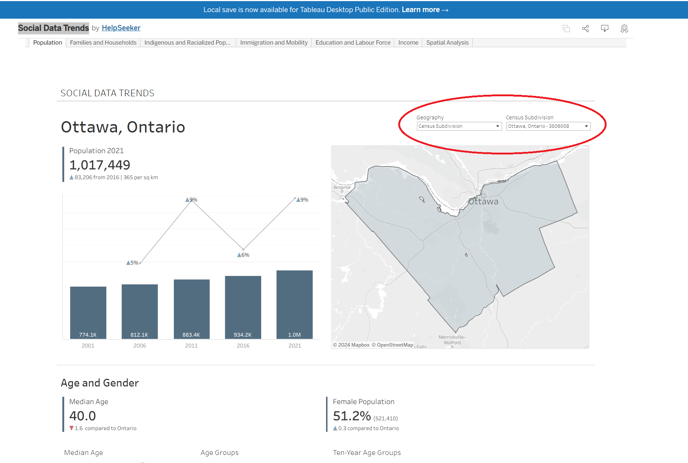
You have two options for selecting geographic areas in social data trends:
- Province/Territory - Choose from a dropdown menu of all Canadian Provinces and Territories.
- Census Subdivision - Use a dropdown menu to select from all Canadian Census Subdivisions. To quickly find a subdivision, type the first letter of its name to jump to that section of the alphabet.
The geographic area you select will apply to all graphs and spatial analyses until you change it or start a new session.