![logo.png]](https://resources.helpseeker.org/hs-fs/hubfs/logo.png?height=50&name=logo.png)
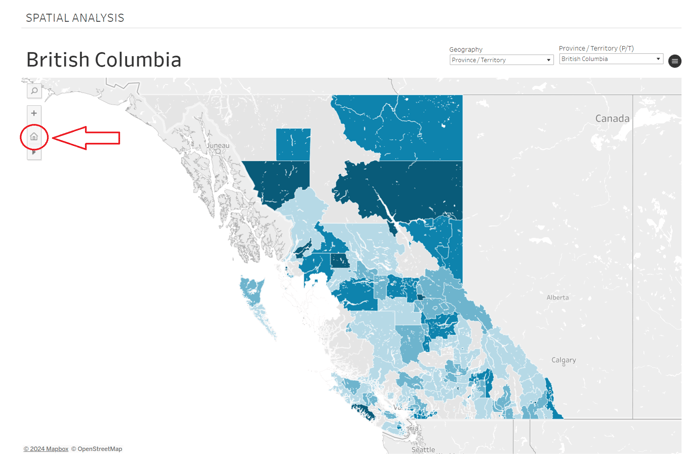
Sometimes your map may appear "stuck" in an area. This feature is designed to prevent the map from resetting automatically when you switch tabs. If you encounter a "stuck" map, use the home button to reset it to the area you've selected from the dropdown menus.
If you click into a subdivision on the map for more details, use the back button to return to the larger map.